
Math facts
Best Math Facts Apps for Kids
Five apps that practice addition, subtraction, multiplication, and division facts, assessed on the same seven criteria, with the child each one suits and what the research says about practice apps.
Grades: kindergarten to grade 3
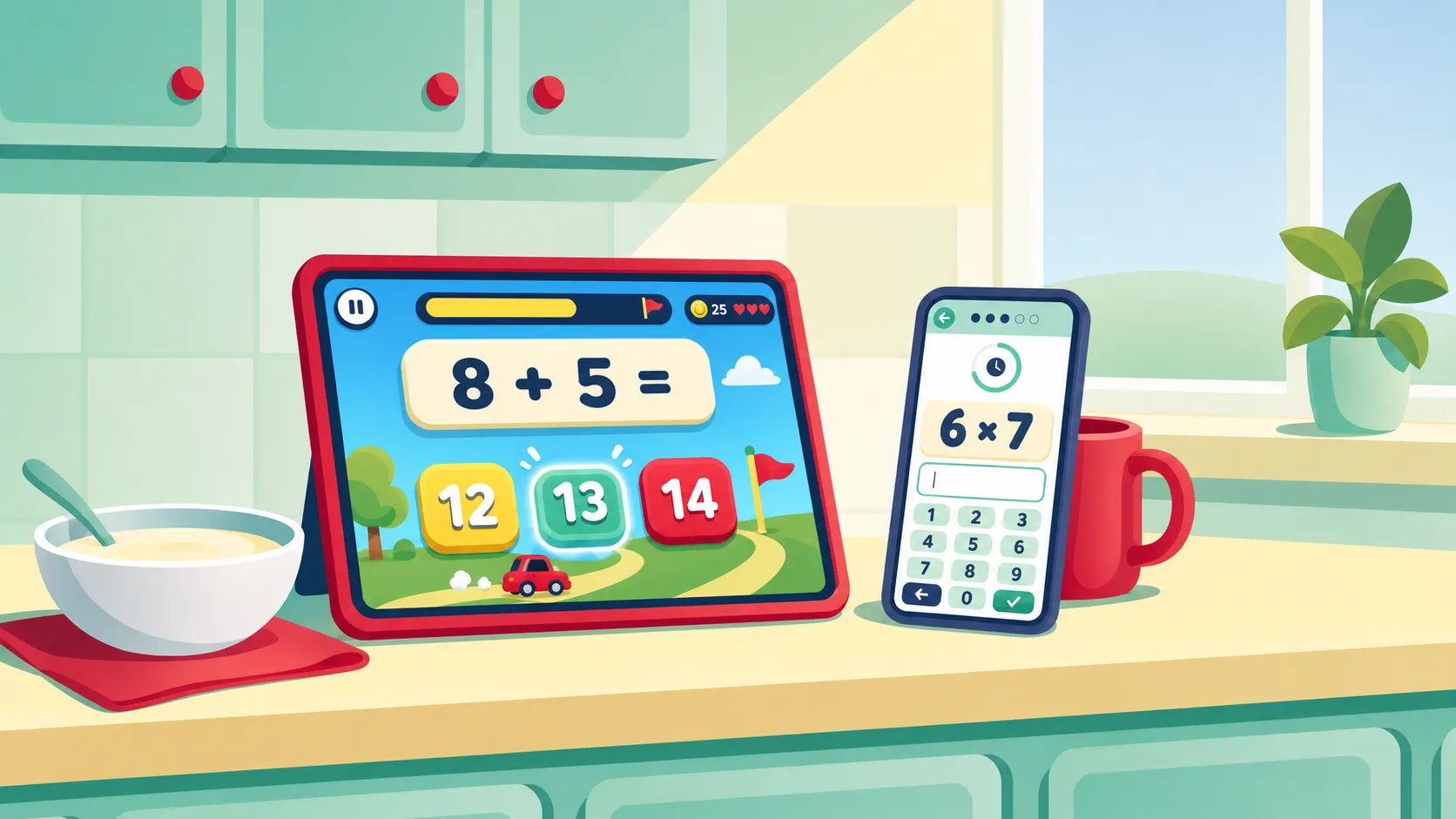
Math facts are the basic sums and times-table answers a child should know without counting, such as 8 + 5 = 13 and 6 × 7 = 42. They are not math trivia. A math facts app gives a child quick, repeated practice on facts they can already work out, until the answer comes at once. It does not teach new math.
The right app depends on the child. MathHero suits a 5- to 10-year-old who wants a game, including offline. Reflex suits a second grader or older who wants a game with a coach. XtraMath is a free, plain daily drill with reports for parents. Rocket Math is a short timed drill with a paper program beside it, and MathFactLab teaches strategies to a child who still counts on fingers.
Start an app once your child can work the facts out accurately, and keep sessions short. Below: what to check, the five apps assessed, whether these apps work, and apps for times tables.
What are math facts, and what does a math facts app do?
Math facts are the addition facts of two one-digit numbers, the subtraction facts that go with them, and later the multiplication and division facts. Children learn the addition and subtraction facts to 20 from kindergarten to second grade, and the multiplication facts from third grade. Fluency with a fact means answering it “fast and accurate”, in the words of the Common Core Standards Writing Team.
A fact is one answer to know, and a strategy is how a child finds it. The fact is 8 + 5 = 13. The strategy is that 8 and 2 make 10, and 3 more makes 13. Our guide to math facts and fluency explains why children learn the strategies first and the instant answers second.
A math facts app works on the second half. It shows a child the same facts again and again, checks each answer, and brings back the ones they miss. One app below, MathFactLab, also teaches the strategies. None of them is a full math curriculum. General learning apps such as Khan Academy Kids and SplashLearn cover math across many skills, and facts are one strand of each.
How to choose a math facts app: what we checked
A math facts app fits a child when it is practice they will do, at the right level, without pressure they are not ready for. We assessed every app below on the same seven things, in the order parents most often ask about them:
| What to check | Why it matters | What good looks like |
|---|---|---|
| A game your child will choose to play | Practice only helps if it happens on most days | Your child asks for it, or a short drill you set runs without a fight |
| Free to start | You can find out whether your child will use it before you pay | A free version, a free plan, or a free trial |
| Fits ages 5–10 and all four operations | Facts start with sums to 10 and run to times tables | Addition and subtraction for the youngest, multiplication and division later, little reading needed |
| You control the timer | Timing helps once a child is accurate, and hurts before | A setting that slows or removes the clock |
| Shows you progress | You need to see which facts are known | A parent report by fact, not just a score |
| No ads | A child plays it alone | A plain statement of no third-party ads |
| Works offline | Practice in the car or on a plane | Plays with no internet once installed |
Every fact below comes from each app’s own website, help pages, and store listings, read in November 2026. Where an app’s own pages say nothing about a criterion, the grid says “not stated” rather than marking it a no.
The math facts apps, assessed
Five apps, graded on the seven criteria above. They are listed by the kind of practice they offer, games first, then drills, then strategy lessons. The order is not a ranking.
| What to check | MathHero | Reflex | XtraMath | Rocket Math | MathFactLab |
|---|---|---|---|---|---|
| A game your child will choose to play | Yes | Yes | A little | A little | No |
| Free to start | Yes | No | Yes | Partly | No |
| Fits ages 5–10 and all four operations | Yes | Partly | Yes | Partly | Partly |
| You control the timer | Partly | A little | Partly | Partly | Yes |
| Shows you progress | Partly | Yes | Yes | Partly | Yes |
| No ads | Yes | Not stated on the vendor's site | Yes | Not stated on the vendor's site | Yes |
| Works offline | Yes | No | No | Not stated on the vendor's site | Not stated on the vendor's site |
| App | Best for | Ages | Method | Price | Trial |
|---|---|---|---|---|---|
| MathHero | A 5- to 10-year-old who wants a game, at home or offline | 5–10 | Story game; the parent sets the operation, level, and monster speed | Free (5 levels a day) | 7 days, on the optional subscription |
| Reflex | A second grader or older who wants a game with a coach | Grades 2+ | Game; coached practice, then games that unlock | $54.95/yr per student (sold to families through Time4MathFacts) | None for families |
| XtraMath | A free, plain daily drill with reports for parents | Grades K–8 | Daily drill, about 10 minutes a day | Free · $6/yr (Family Pro, 3 children) | Not needed |
| Rocket Math | A short timed drill, with a paper program beside it | Kindergarten and up | Timed online tutor that moves on at mastery | $9/yr per student (Online Tutor) | Free trial |
| MathFactLab | A child who still counts on fingers and needs strategies | Grade 1 and up | Strategy lessons with visual models, not a game | $15/yr (Family Plan, 1 child) · $5 (each additional child) | None |
- Reflex: families buy it through Time4MathFacts, and the 30-day free trial on Reflex’s own site is for teachers.
- Rocket Math: its pages give two trial lengths, 30 days and 14 days.
MathHero: best for a 5- to 10-year-old who wants a game
MathHero is a story game in which a child answers math facts to win battles against monsters. It runs from age 5 to 10 in three stages: addition and subtraction within 10, then within 20 and 100, then multiplication and division facts and sums within 1,000. A child does not need to read to play.
- What it does well: it is a story game first, and it plays without an internet connection once installed. It shows no third-party ads, and each child gets a profile with their own progress. It comes in more than 25 languages.
- Where it falls short: its site describes no report for parents.
- The timer: battles are timed. Its Easy mode gives more time for each problem, a level can be paused, and a parent can set how fast the monsters move. A child can also answer by multiple choice rather than typing. No setting turns the clock off.
- Price: free at 5 levels a day. An optional subscription, with a 7-day free trial, removes the daily limit. MathHero says its prices vary by country and store.
- Skip it if: you want reports on which facts your child knows.
Parents rate it 4.6 on the App Store (about 13,000 ratings) and 4.7 on Google Play (about 49,000 reviews), as of November 2026.
Reflex: best for a second grader or older who wants a game with a coach
Reflex, from ExploreLearning, is a game built around fact practice. Each session opens with carnival games played by answering facts, moves to practice with a coach, and then unlocks games, tokens, and an avatar store. It covers addition and subtraction to 10, and multiplication and division to 10 or 12.
- What it does well: it coaches each new fact without a clock before timing it, and it uses little text. A free parent account shows progress fact by fact.
- Where it falls short: it starts at second grade, and its pace “cannot be slowed down”, though it allows for slow typing. It needs an internet connection.
- Price: $54.95 a year per student, sold to families through Time4MathFacts, with a money-back guarantee and no family trial.
- Skip it if: your child is in kindergarten or first grade, or you want to try an app free first.
Reflex runs in a web browser. Its companion iPad app for subscribers, Reflex Student, is rated 2.9 on the App Store (653 ratings), as of November 2026.
XtraMath: best for a free, plain daily drill
XtraMath is a free program from a nonprofit that drills math facts for about 10 minutes a day. Each session is a short quiz, then practice. In its own words, it is “a fluency tool, not an instructional one”.
- What it does well: it is free for every family and shows “No ads to Students, ever.” Parents get a report of every answer, a weekly email, and one dashboard for all their children.
- Where it falls short: it is a drill rather than a game, and it runs in a web browser with an internet connection. The timer “cannot be turned off”, though a parent can hide it. A 12-second setting for kindergarten to second grade comes with Family Pro.
- Price: free. The optional Family Pro plan is $6 a year for three children and adds settings such as the timer.
- Skip it if: your child will only practice if it feels like a game.
XtraMath runs in a web browser and has no app in the App Store or on Google Play, so it has no store rating.
Rocket Math: best for a short timed drill, with a paper program beside it
Rocket Math is a facts program with two parts: a paper worksheet program and an online tutor. The online tutor runs sessions of 5 or 10 minutes, times every answer, and moves a child on only at mastery. Its 16 online tracks run from kindergarten counting to addition, subtraction, multiplication, division, and fractions.
- What it does well: each level teaches 4 new facts, then mixes them with recent ones, then reviews everything learned so far. Parents can use the paper program alongside, and a daily email reports what each child did.
- Where it falls short: a child gets 3 seconds per fact by default. A parent can choose Slow or Slowest, though Rocket Math advises against it. It also says “children under 8 may not be able to type in answers quickly enough” at the normal speed.
- Price: $9 a year per student for the online tutor, after a free trial.
- Skip it if: your child is under 8 and types slowly, or freezes under a clock.
Parents rate the app 2.7 on the App Store (105 ratings) and 3.5 on Google Play (110 reviews), as of November 2026.
MathFactLab: best for a child who still counts on fingers
MathFactLab, built by a Vermont fifth-grade teacher, teaches the strategies behind the facts rather than drilling them. In its own words: “Build Math Fact Fluency Online Through Strategies, Not Drill.” Children “build new facts from facts they already know” with ten frames, number racks, and number lines.
- What it does well: it is the one app here that teaches strategies, which suits a child who still counts on fingers. A placement test sets the starting level, and the time allowed per answer is a setting from 2 to 120 seconds. It shows no third-party ads.
- Where it falls short: it is “not game-based”, it runs only in a web browser with no app, and it does not recommend itself for kindergarteners.
- Price: $15 a year for one child on the Family Plan, and $5 for each additional child. There is no free plan, and a full refund is available within 14 days.
- Skip it if: your child already knows the strategies and needs speed.
MathFactLab runs in a web browser and has no app, so it has no store rating.
Do math facts apps work?
Math facts apps work as practice, once a child understands the facts, and not as a way to teach them. The What Works Clearinghouse, in its 2021 guide on helping students who struggle with math, rates short timed practice as having strong evidence. It describes sessions of 1 to 5 minutes, done with “flash cards, computer programs, or worksheets”.
The same guide warns against an app on its own. Its panel “does not recommend merely giving students timed worksheets or putting students on a computer-based program without supporting their learning.” An app keeps the practice going; a person still teaches the strategy and watches what is hard.
A game is about willingness, not results. A 2020 review of 15 randomized trials by Benavides-Varela and colleagues found that digital practice improved math for children with math difficulties. It found “no evidence that videogames offer additional advantages” over plain drill or tutoring. Pick a game if it is what gets your child to practice.
None of the five turns its clock off. Ease it where an app allows, and add speed against your child’s own last score, as our guide to timed math tests explains.
Are there free math facts apps, and what does free leave out?
XtraMath is free for every family, and MathHero is free at 5 levels a day. XtraMath’s free plan includes the daily drill, the reports, and every child on one account. Its $6-a-year Family Pro plan adds choices such as a different timer. MathHero’s free version caps play at 5 levels a day, and its optional subscription removes the cap.
The other three are paid after a trial or not at all. Rocket Math has a free trial before $9 a year per student. Reflex costs $54.95 a year per student through Time4MathFacts, with a money-back guarantee. MathFactLab costs $15 a year, with a 14-day refund.
Free does not mean ad-supported here. MathHero, XtraMath, and MathFactLab each say they show no third-party ads. For the general checks, see our guide to whether kids’ learning apps are safe, and for travel, learning apps that work offline.
What are the best apps for multiplication and times tables?
All five apps cover multiplication and division facts, and the right one depends on age and timing. Times tables are a third-grade standard, and children learn them best one table at a time with a strategy for each, as our guide to the times tables sets out. An app comes after the strategy.
- For a 7- to 10-year-old who wants a game: MathHero reaches multiplication and division facts in its third stage, and a parent chooses the operation and level.
- For a coached game from second grade: Reflex covers multiplication and division to 10 or 12.
- For a free daily drill: XtraMath’s programs run to the 12s.
- For a timed drill that moves on at mastery: Rocket Math has separate tracks for the 0 to 9 tables and the 10s to 12s.
- For strategies first: MathFactLab’s multiplication levels build each new fact from one a child knows, up to 20 × 20.
Division facts come with the multiplication facts, as our division guide explains. If you would rather practice without a screen, our multiplication games and printable multiplication flash cards do the same job.
Which apps practice addition and subtraction facts, kindergarten to second grade?
MathHero and XtraMath start with sums to 10, the first facts a kindergartner learns. The Common Core expects fluency within 5 by the end of kindergarten, within 10 in first grade, and within 20 from memory by the end of second grade. Our guide to the addition and subtraction facts lists them by strategy.
- MathHero starts at age 5 with addition and subtraction within 10, and needs no reading.
- XtraMath starts with “Sums up to 10”, and its Family Pro plan adds a 12-second timer for kindergarten to second grade.
- Rocket Math has kindergarten tracks for counting and addition, taught by narration, so a child needs headphones.
- MathFactLab teaches addition strategies, and does not recommend itself for kindergarteners.
- Reflex starts at second grade.
Which math facts app fits my child?
Match the app to how your child practices best. Each line below points to an entry above.
- A 5- or 6-year-old: MathHero or XtraMath, both starting at sums to 10. Ease the clock at first with MathHero’s Easy mode or XtraMath’s 12-second setting, which comes with Family Pro.
- A 7- to 10-year-old who needs a reason to practice: MathHero for a game you can take offline, Reflex for a game with a coach from second grade.
- A child who still counts on fingers: MathFactLab, which teaches the strategies an app like XtraMath only drills.
- A child who gets upset by a clock: MathFactLab, whose timer can run to 120 seconds, or MathHero on Easy with slow monsters. Reflex cannot be slowed.
- A child who is struggling with math: an app is practice, not extra help. Talk to your child’s teacher about what is hard first.
- A homeschooling family: any of the five sits beside a curriculum, not in place of one. XtraMath, Reflex, and MathFactLab report progress to a parent, and Rocket Math sends a daily email.
Whichever app you choose, watch for the facts away from the screen. A child who knows a fact answers it at once at dinner, on a receipt, or in a card game, and still knows it a month later.
Prices and features verified November 2026.
Frequently asked questions
What are the best math facts apps for children?
It depends on the child. MathHero suits a 5- to 10-year-old who wants a game and plays offline. Reflex suits a second grader or older who wants a game with a coach. XtraMath is a free, plain daily drill with reports for parents. Rocket Math is a short timed drill with a paper program beside it, and MathFactLab teaches strategies to a child who still counts on fingers.
Are math facts the same as math trivia?
No. Math facts are the basic sums, differences, products, and quotients a child should know without counting, such as 8 + 5 = 13 and 6 × 7 = 42. Fun facts about numbers are trivia, and no app on this page is about them.
Are there free math facts apps available?
Yes. XtraMath is free for every family, with an optional Family Pro plan at $6 a year for three children. MathHero is free at 5 levels a day, with an optional subscription that removes the limit. Rocket Math offers a free trial before $9 a year per student.
How effective are math facts apps compared to traditional methods?
They help as practice once a child understands the facts, not as a way to teach them. A 2020 review of 15 randomized trials found digital practice helped children who struggle with math, and that games did no better than plain drill or tutoring. The What Works Clearinghouse recommends short timed practice of 1 to 5 minutes, with flash cards, computer programs, or worksheets, alongside teaching rather than in place of it.
How do I choose a math facts app without ads?
Check the app's own website or privacy policy for a plain statement. MathHero says no third-party ads, XtraMath says no ads to students, ever, and MathFactLab says it has no third-party advertising. Rocket Math and Reflex do not say either way for the student app.
What are the best multiplication apps for kids aged 5-10?
All five apps here cover multiplication and division facts. MathHero reaches them at ages 7 to 10, after addition and subtraction. Reflex starts at second grade. XtraMath, Rocket Math, and MathFactLab each have their own multiplication programs. Start one once your child knows a strategy for each table, not before.
What age should a child start a math facts app?
Once a child can work a set of facts out accurately, even slowly. For most children that means addition and subtraction within 10 in kindergarten or first grade, and multiplication from third grade. MathHero starts at age 5, Reflex at second grade, and MathFactLab does not recommend itself for kindergarteners.
Related guides
Last updated
Looking for something else?
Looking for something else?